Choosing the right business phone systems is more than just picking a few handsets. For growing companies, especially in small business environments, your phone setup can impact customer service, team communication, and even your bottom line. In this blog, we’ll walk through what to look for in a business phone system, common mistakes to avoid, and how to align your phone service with your business needs. We’ll also touch on VoIP, cloud phone options, and tools like RingCentral and Yealink that can support your operations.
A business phone system is more than just a way to make and receive calls. It’s a communication hub that connects your team, supports your customers, and helps you stay organized. Whether you’re a startup or an established company, having a reliable system in place is essential.
There are several types of business phone systems, including traditional landlines, VoIP (Voice over Internet Protocol), and cloud-based systems. VoIP and cloud phone systems are becoming more popular because they’re flexible, cost-effective, and easy to scale. These systems often include features like call forwarding, caller ID, and video conferencing, which are especially useful for remote or hybrid teams.
When setting up or upgrading your phone system, there are several pitfalls that can cost you time and money. Here are the most common ones:
Small businesses often overpay for features they don’t need or outgrow basic plans too quickly. Make sure your system can scale with your growth.
Not all VoIP providers offer the same quality. Poor call quality can frustrate customers and hurt your reputation. Always test before committing.
If your team works remotely or travels often, your phone system should support mobile apps and remote access. This keeps everyone connected without extra hardware.
Features like auto-attendants, call routing, and voicemail-to-email can make your business look more professional and help manage high call volumes.
Even the best business phone systems won’t help if your team doesn’t know how to use them. Provide simple training and documentation.
Your phone system handles sensitive data. Make sure it includes encryption, secure login, and admin controls to protect your business.
Have a backup plan. Choose a provider that offers uptime guarantees and failover options in case your internet goes down.
Here’s what you gain by choosing the right phone system:

For small businesses, communication is everything. A missed call could mean a missed opportunity. That’s why having a phone system that fits your workflow is so important.
Whether you’re using a basic setup or a full-featured solution like a PBX, the goal is the same: to stay connected with customers and your team. Systems like RingCentral or Yealink offer flexible options that can be customized to your needs. And with cloud phone systems, you don’t need to invest in expensive hardware to get started.
Not all systems are created equal. The best ones offer a mix of functionality, ease of use, and value. Here’s what to look for:
These help route calls to the right person or department without needing a live receptionist. It saves time and improves customer experience.
Your team should be able to make and receive calls from anywhere. Look for systems with strong app support.
Connecting your phone system with tools like CRM or email helps streamline workflows and improve response times.
Some systems offer AI-powered transcription, call analysis, and smart routing. These can boost productivity and customer satisfaction.
Being able to set up call queues, after-hours messages, and routing rules gives you more control over how calls are handled.
Track call volume, wait times, and missed calls to make informed decisions about staffing and service improvements.
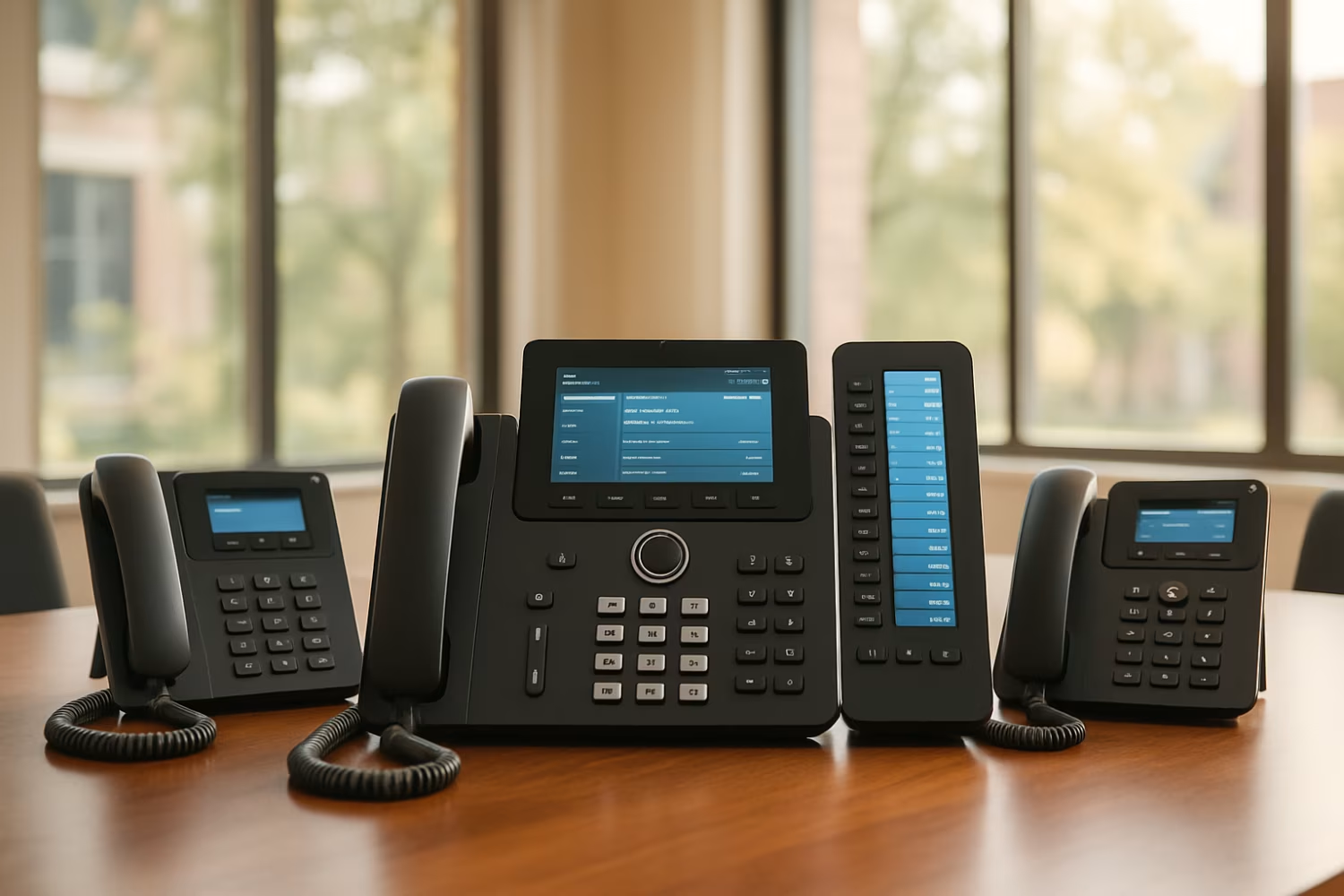
Getting started with a new phone system doesn’t have to be complicated. First, assess your current setup and identify what’s missing. Do you need better call quality? More features? Remote access?
Next, compare providers and plans. Look for systems that offer the features you need without locking you into long-term contracts. Consider hardware as well—some systems work with your existing handsets, while others may require new devices.
Finally, plan your rollout. Start with a pilot group, test the system, and gather feedback. Make adjustments before rolling it out company-wide.
To get the most out of your phone system, keep these tips in mind:
A well-managed system helps your team stay productive and your customers stay happy.

Are you a growing business looking for a reliable phone system that fits your needs? Whether you’re expanding your team or upgrading outdated equipment, we help businesses like yours find the right solution.
At Roxie I.T., we specialize in setting up business phone systems that support your goals. From selecting the right provider to configuring features like call routing and mobile access, our team is here to guide you every step of the way.
A business phone system includes features like call routing, voicemail, and extensions that regular phones don’t offer. These systems are designed to support multiple users and departments. They also allow for better management of incoming and outgoing calls.
Many systems use VoIP or cloud phone technology, which makes them more flexible and cost-effective. Providers like RingCentral offer tools that can grow with your business needs.
A small business gains professionalism and efficiency with a proper phone system. Features like auto-attendants and call forwarding help manage customer calls without needing a full-time receptionist.
Cloud phone systems also let you work from anywhere. With mobile apps and caller ID, your team stays connected and responsive, even when working remotely.
For remote teams, a cloud phone system is often the best choice. It allows employees to use their mobile devices or computers to make and receive calls.
VoIP services like RingCentral support video conferencing, call logs, and integrations with tools like CRM. This keeps everyone in sync, no matter where they are.
Your phone service is often the first point of contact with customers. Poor call quality or long wait times can hurt your reputation.
Using a business phone system with features like call forwarding, PBX, and voicemail-to-email ensures calls are handled quickly and professionally. It also helps your team respond faster and more accurately.
Not necessarily. Many systems offer auto-attendant features that guide callers through a menu to reach the right person or department.
This can reduce the need for a full-time receptionist. Some systems even include AI features that can handle basic inquiries or route calls based on caller ID and past behavior.
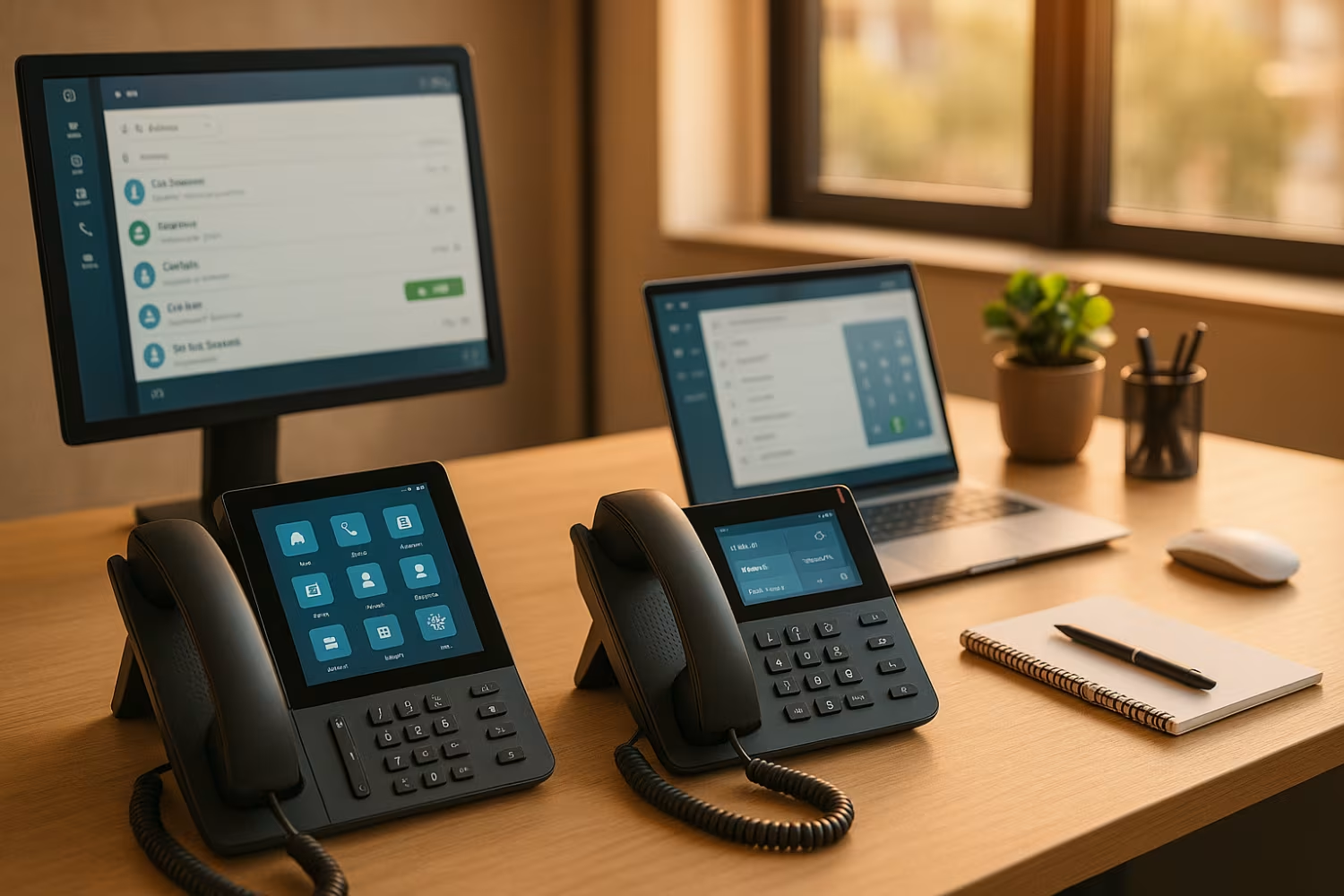
The right handset depends on your system and how your team works. Some businesses prefer desk phones, while others use softphones on computers or mobile apps.
Brands like Yealink offer reliable options that work with most VoIP and cloud phone systems. Make sure the handset supports features like caller ID and call transfer if those are important to your workflow.